
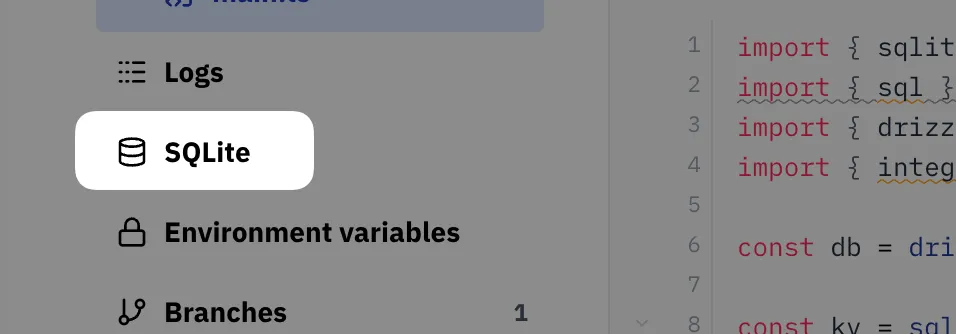
There’s a built-in administration panel for every val’s SQLite database, available via the navigation on the left side:
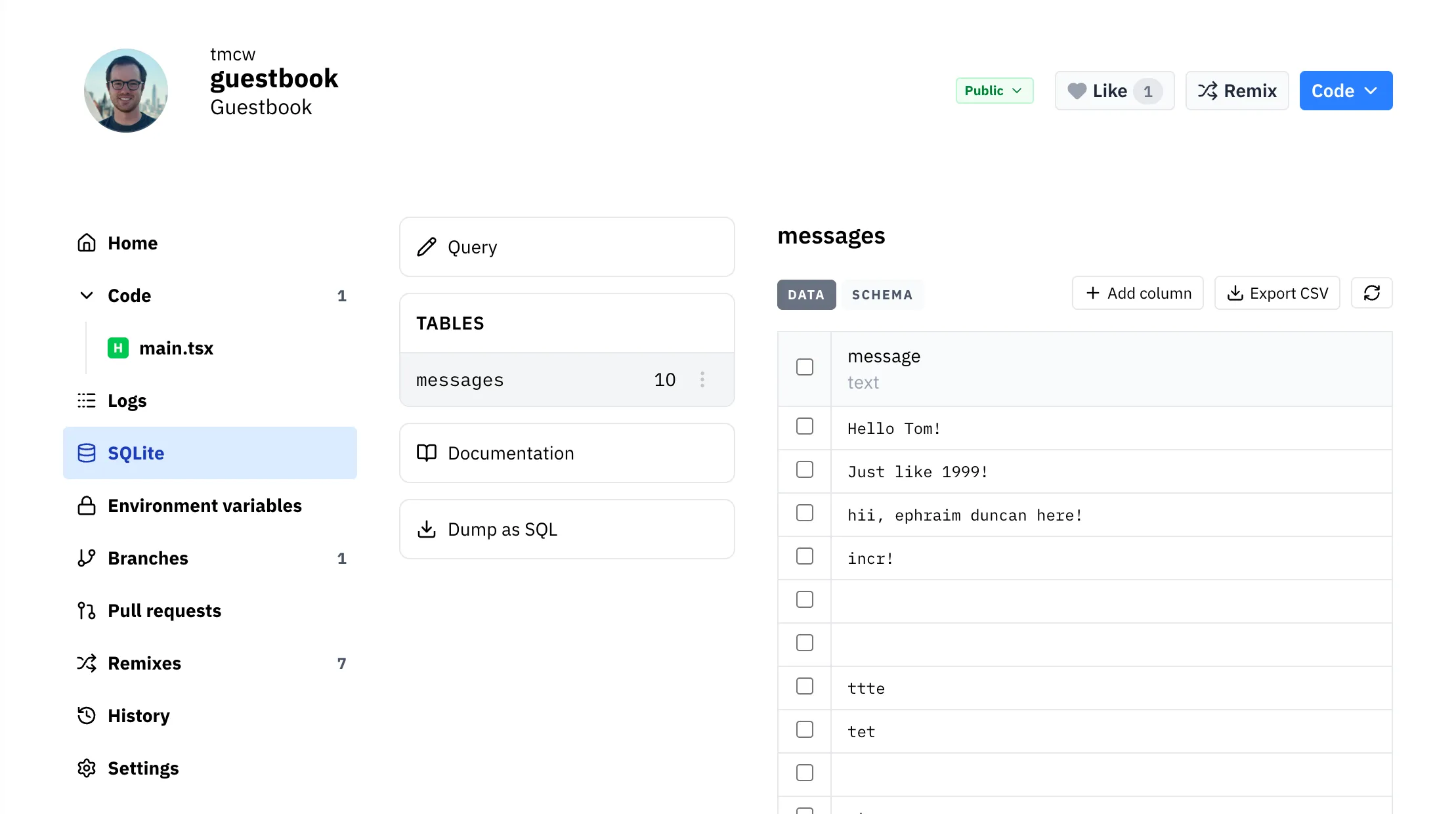
The administration interface lets you
- Run arbitrary SQL queries
- View, rename, and delete database tables, columns, and data
- Export a table as CSV
- Dump the database as SQL
- Copy a table’s schema
SQLite Admin Panels
Section titled “SQLite Admin Panels”You can also use third-party tools to administer your database:
- Outerbase Studio (recommended) - formerly LibSQL Studio – see instructions (currently only available for the organization-scoped database, not the val-scoped database)
- SQLite Explorer React - built in a val - access your database with Val Town oauth