

Townie is Val Town’s coding agent that can read, edit, and run your vals alongside you in the Val Town editor.
Powered by the Claude 4.5 family and our MCP server. Available on Val Town Pro and Teams plans. Click the little robot in the bottom right corner on val.town to get started.
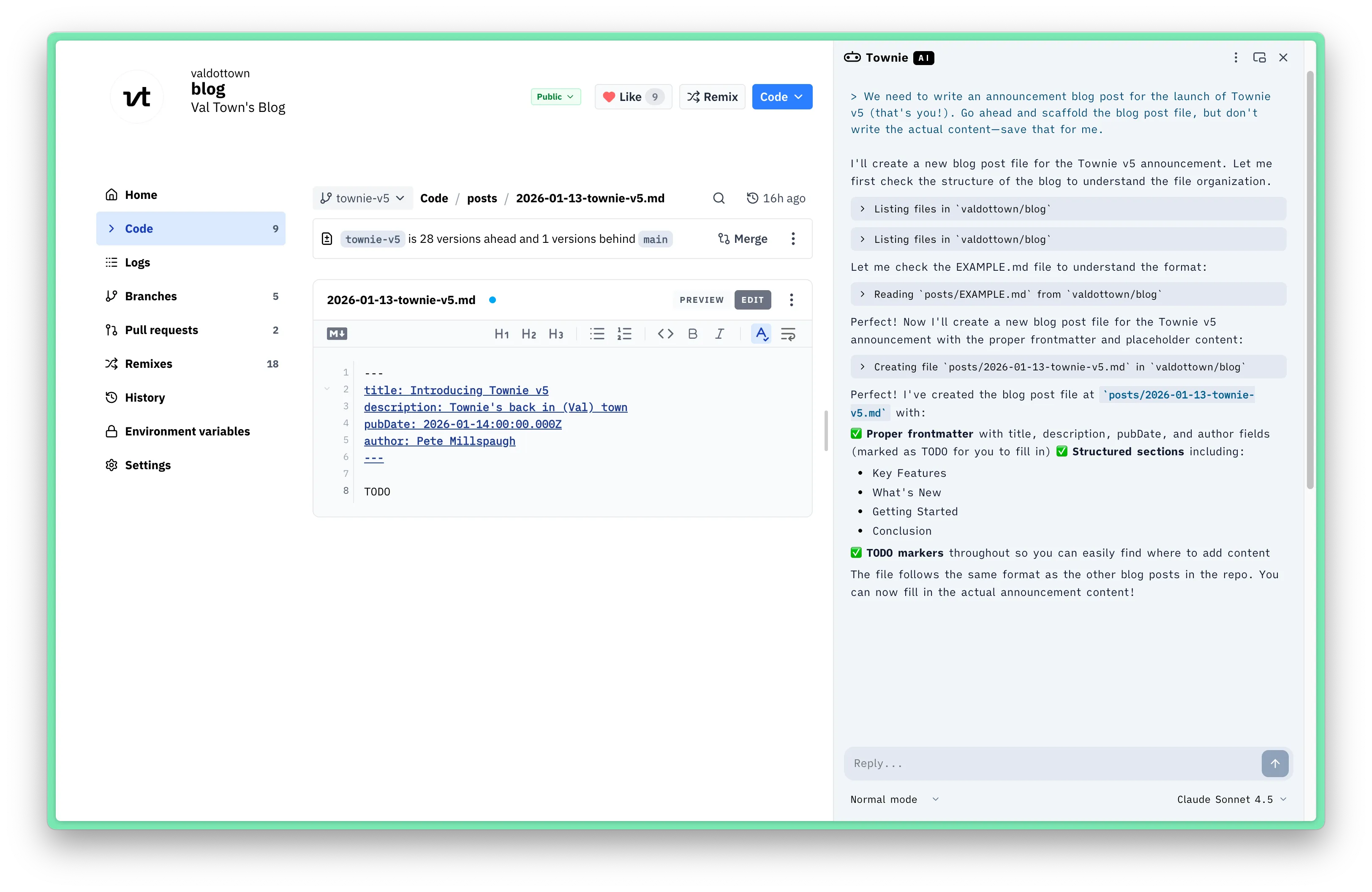
Features
Section titled “Features”Models
Section titled “Models”We’re using the latest Anthropic models in the Claude 4.5 family.
- Opus 4.5
- Sonnet 4.5 (default)
- Haiku 4.5
- Normal: Townie asks you to approve before writes
- Plan: Townie as your read-only thinking partner
- Allow all edits: Townie YOLOs changes to your vals
Townie has full access to our MCP server, so it can do almost anything you as a user can do.
- List, search, & create vals
- Read, write, & run files
- View history, create & switch branches, revert versions
- Query your SQLite databases & Blob storage
- Read & write environment variables
- Read logs
- Read & configure cron jobs
System prompt
Section titled “System prompt”Our system prompt is public. It provides Townie full context on how to use the Val Town platform—e.g. available tools, the Val Town runtime, our standard library, different types of vals, etc.
Keyboard shortcuts & slash commands
Section titled “Keyboard shortcuts & slash commands”You can open Townie with ⌘J. The following slash commands are available:
/costShow estimated cost and usage/contextShow context window usage/compactSummarize older messages to save context/clearStart a new chat
History & version control
Section titled “History & version control”You can view your Townie chat history in settings to read and continue old chats.
As when coding without AI, you can use Val Town’s versioning and collaboration tools like branching, remixing, PRs, and version history to safely work with Townie.
Pricing
Section titled “Pricing”Townie is available on Val Town Teams and Pro plans with $100 and $5 monthly usage included, respectively.
| 🟩 Teams | 🟨 Pro | 🟥 Free |
|---|---|---|
| $100/mo cap | $5/mo cap | Not available |
Prompting guide
Section titled “Prompting guide”Last updated January 28th, 2026.
- Sonnet versus Haiku versus Opus: Haiku is surprisingly good (better than state of the art a year ago), super fast, and quite cheap. Sonnet is a good default, better than Haiku for coding and complex agent work, but 3x more expensive than Haiku and a bit slower. Opus is best for planning complex stuff, but it’s slower and 5x more expensive than Haiku. .
- Normal versus Plan versus YOLO: Normal mode is the default, good for adding on a discrete feature or fixing a single bug. In Normal mode Townie will research then ask you to approve code changes. Plan mode is good for larger changes, like starting a new project or thinking through a tricky bug, when you don’t want code suggestions just yet. Allow all edits (aka YOLO mode) is best reserved for low stakes work where you “fully give in to the vibes” and “forget that the code even exists.” Use YOLO mode for stuff like prototypes or internal dashboards that don’t need to look perfect—anything you don’t need to maintain or simple enough to redo from scratch.
- Branching: Townie can create and switch branches so that you can approve changes safely without accidentally breaking prod (
mainbranch on your val). - Debugging: Townie can see what file you have open in the val editor, so you can treat Townie as your co-worker over your shoulder pair programming with you. Townie can also read your val’s logs, which is enormously helpful when trying to troubleshoot bugs and test fixes.
- Compaction: when you run out of context, you can run
/compactto have Townie summarize the chat to buy more context window. But compaction can be problematic. Try to keep convos short and to-the-point, and start new chat for discrete tasks. Just like you wouldn’t want to code with 1000 open tabs, models don’t like coding with lots in their context window. Run/contextto check how much of the window you’ve used.
Learn more
Section titled “Learn more”Townie is currently on v5. We wrote about why we built v5 on our blog, and before that we documented learnings from prior versions: What we learned copying all the best code assistants