
PlanetScale once provided a hosted MySQL database with 5GB of storage included in the free tier. On April 8, 2024, the free plan was retired and the cheapest plan starts at $39 with 10GB storage.
1. Sign up to PlanetScale
Section titled “1. Sign up to PlanetScale”Go to https://auth.planetscale.com/sign-up
2. Create a new database
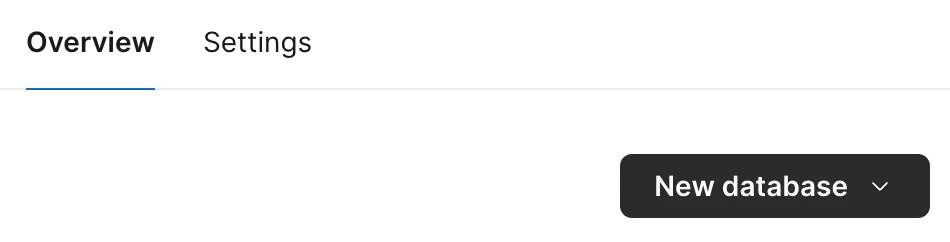
Section titled “2. Create a new database”Select New database on the dashboard.
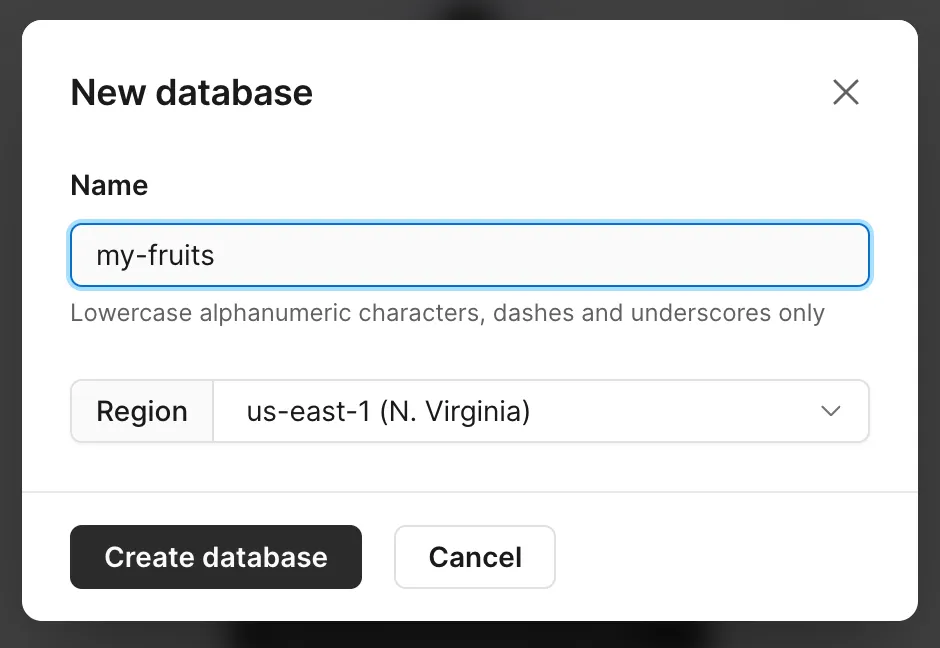
Create a database.
3. Create a password
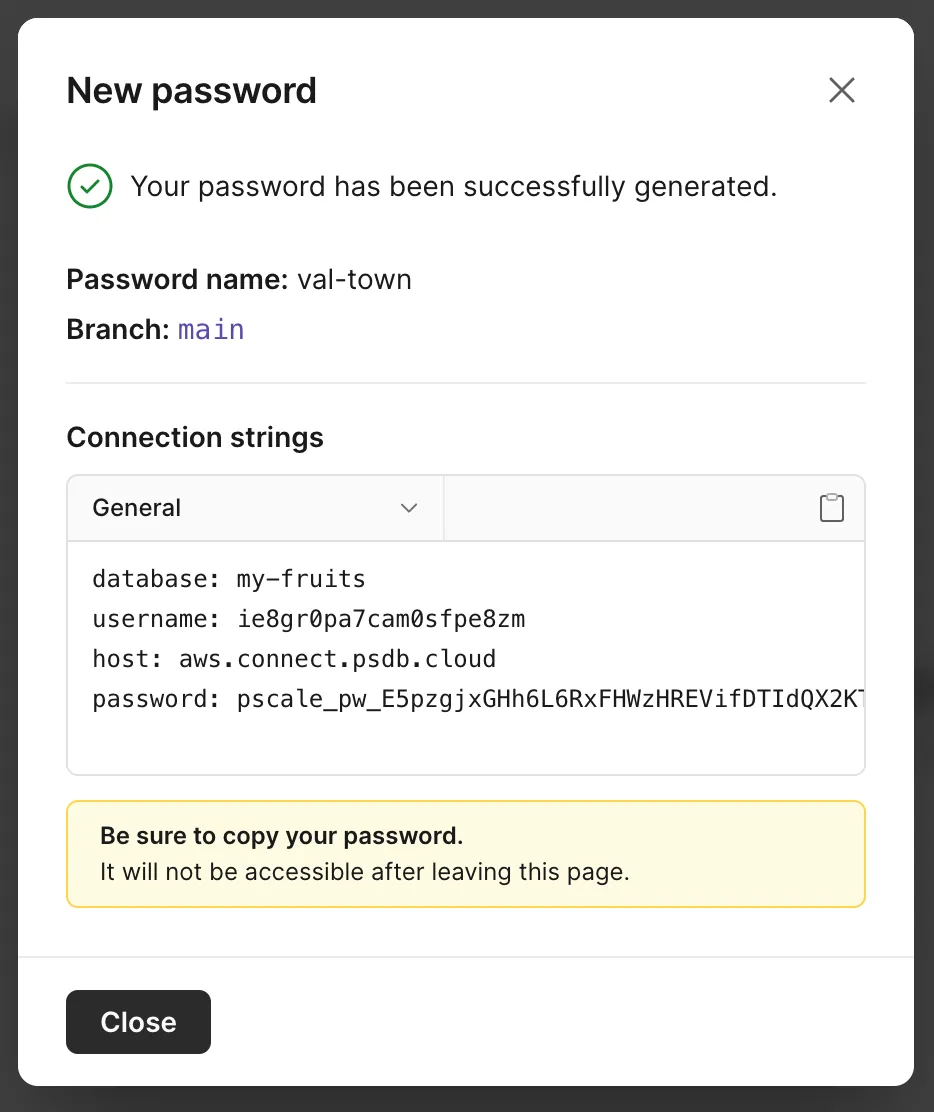
Section titled “3. Create a password”Go to Settings → Passwords and click New password.
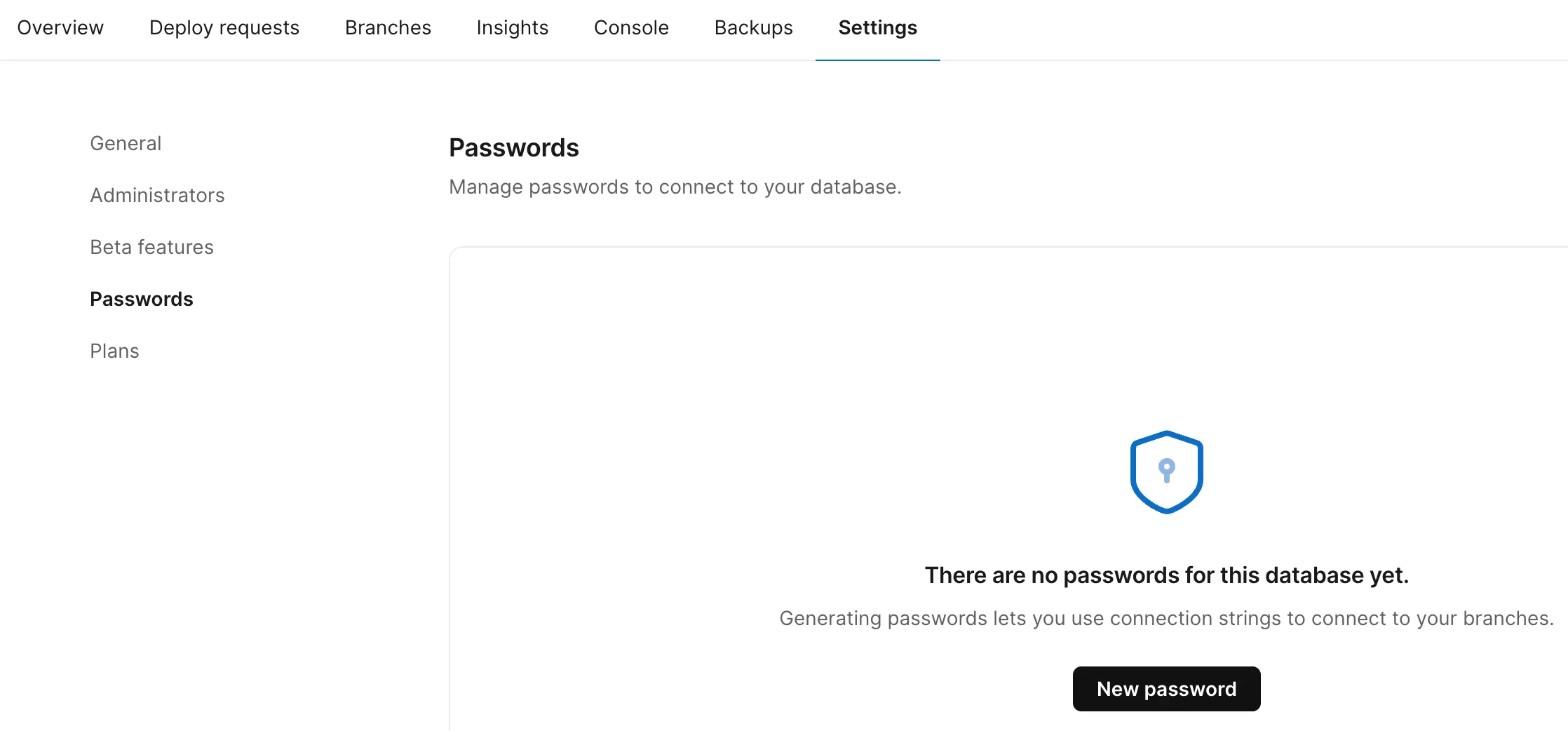
Save the host, username, and password values as
Val Town environment variables - use
planetScaleHost, planetScaleUsername, and planetScalePassword
respectively.
4. Create your first table
Section titled “4. Create your first table”Copy and paste this val to create a table with the given schema.
import { queryPlanetScale } from "https://esm.town/v/vtdocs/queryPlanetScale";
await queryPlanetScale(  {    host: Deno.env.get("planetScaleHost"),    username: Deno.env.get("planetScaleUsername"),    password: Deno.env.get("planetScalePassword"),  },  `CREATE TABLE stock (  id int NOT NULL AUTO_INCREMENT PRIMARY KEY,  name varchar(255) NOT NULL,  price varchar(255) NOT NULL);`);
5. Insert an item
Section titled “5. Insert an item”Insert one or more items.
import { queryPlanetScale } from "https://esm.town/v/vtdocs/queryPlanetScale";
await queryPlanetScale(  {    host: Deno.env.get("planetScaleHost"),    username: Deno.env.get("planetScaleUsername"),    password: Deno.env.get("planetScalePassword"),  },  `INSERT INTO stock (name, price) VALUES (?, ?);`,  ["banana", 15]);
6. Query an item
Section titled “6. Query an item”Use the rows property to get your query results - or log the entire
results object to see what other data is available.
import { queryPlanetScale } from "https://esm.town/v/vtdocs/queryPlanetScale";
const results = await queryPlanetScale(  {    host: Deno.env.get("planetScaleHost"),    username: Deno.env.get("planetScaleUsername"),    password: Deno.env.get("planetScalePassword"),  },  `SELECT id, name, price FROM stock WHERE name=?`,  ["banana"]);console.log(results.rows[0]);
7. Do more than queries!
Section titled “7. Do more than queries!”Read the source of the
@vtdocs/queryPlanetScale
helper, see how it uses the @planetscale/database SDK, refer to the
driver’s documentation, and extend
it!