

Upstash provides a serverless Redis database, which can be used as a key-value store of up to 1mb with a free account.
Create an Upstash account
Section titled “Create an Upstash account”Go to https://console.upstash.com/login
Create a database
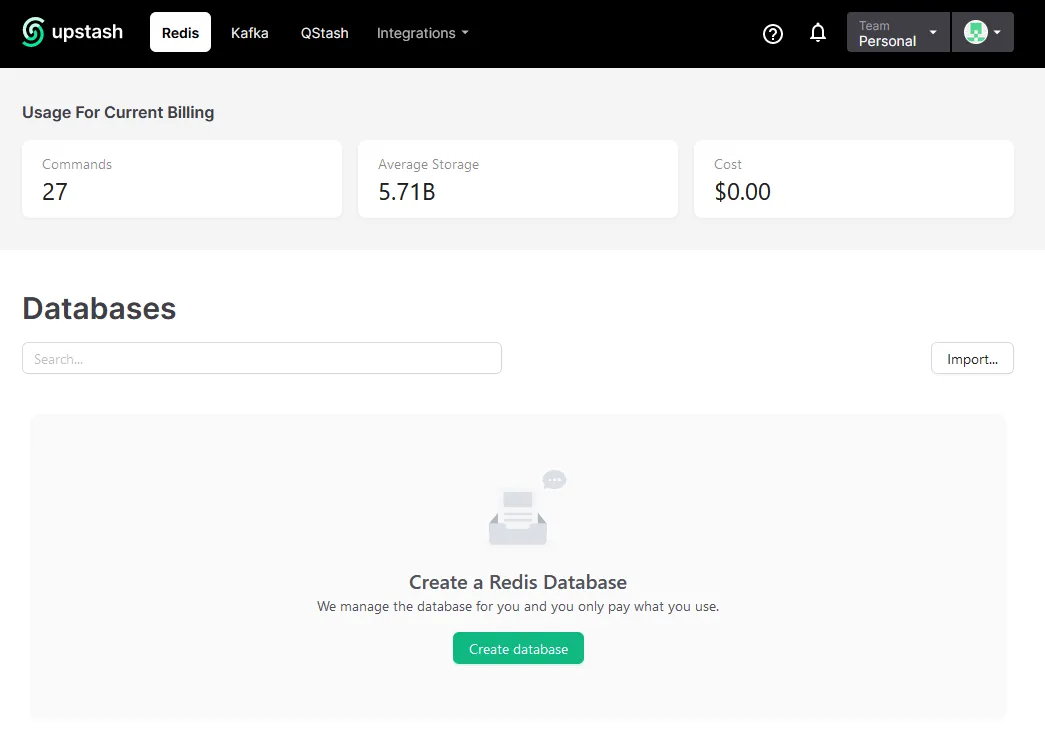
Section titled “Create a database”- Click Create database
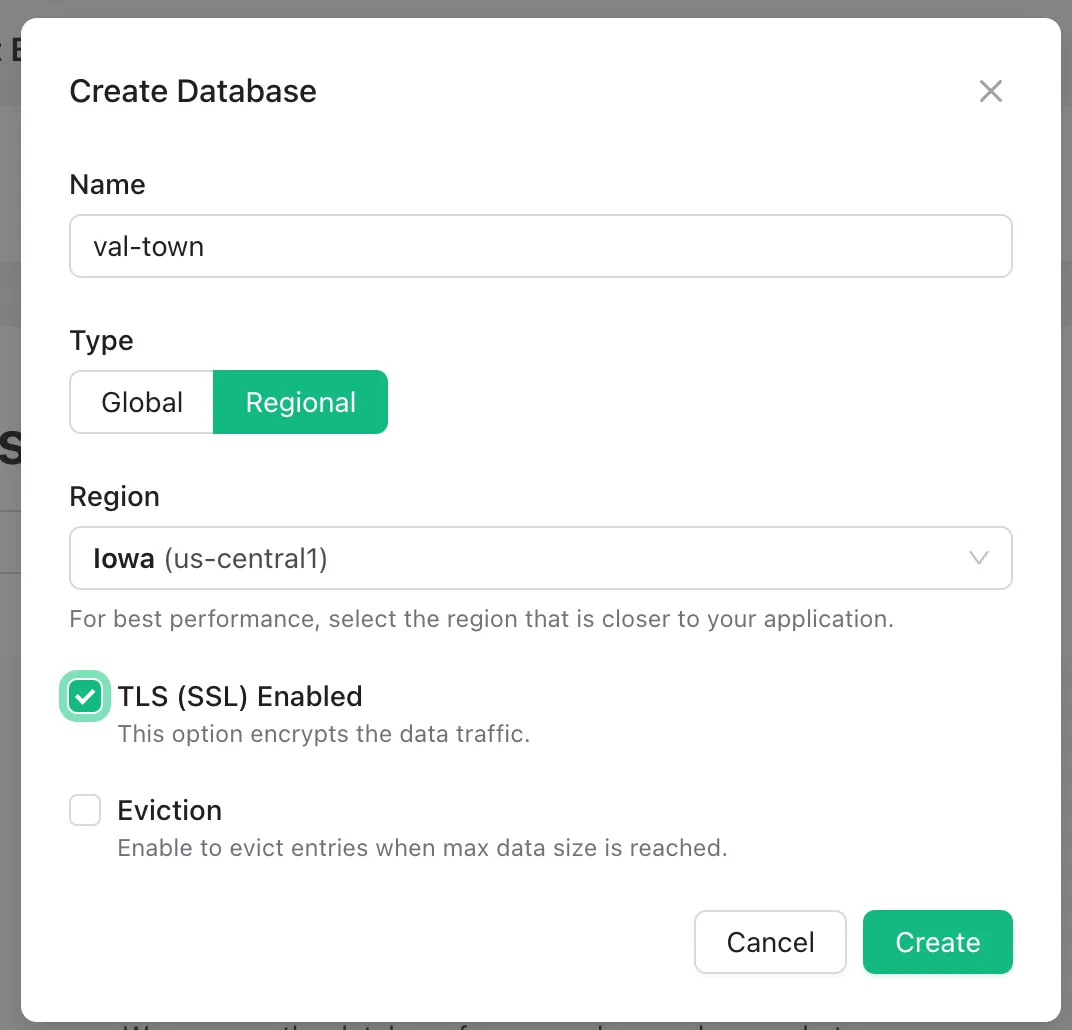
- Name: whatever you want.
- Type: Regional
- Region: Iowa (us-central1), because it’s closest to Val Town’s servers.
- Enable TLS for security.
Add REST credentials to Val Town environment variables
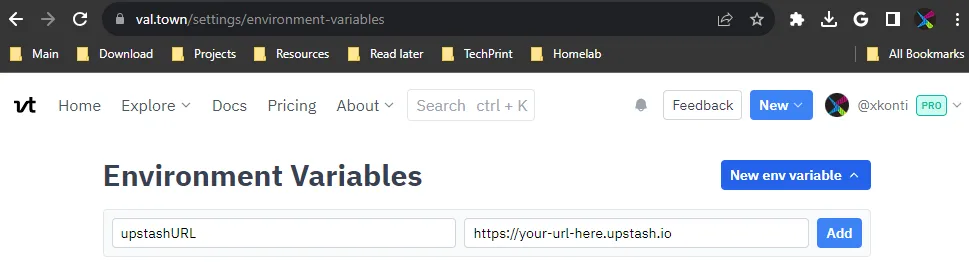
Section titled “Add REST credentials to Val Town environment variables”- Go to val.town/settings/environment-variables
- For
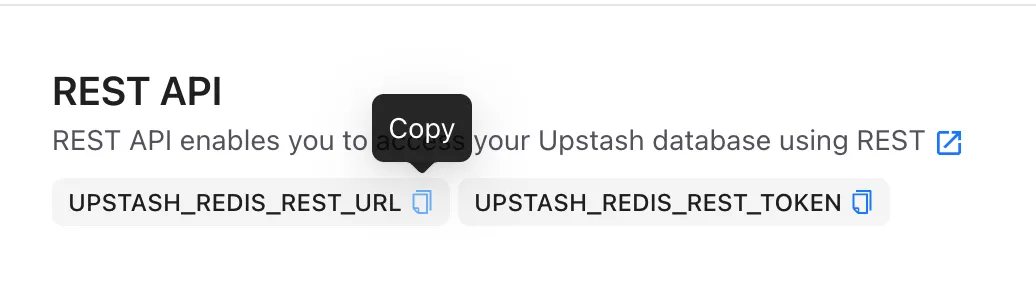
UPSTASH_REDIS_REST_URLand theUPSTASH_REDIS_REST_TOKENeach:- Click New env variable.
- Set the names to
upstashURLandupstashToken, respectively - Copy & paste in the value
- Click Add
Upstash:
Val Town:
Set some data
Section titled “Set some data”If you set it up correctly, you should be able to Run this Val and have it return the same results from your own Upstash database
import { Redis } from "npm:@upstash/redis";
const redis = new Redis({  url: Deno.env.get("upstashURL"),  token: Deno.env.get("upstashToken"),});console.log(await redis.set("foo", "bar"));console.log(await redis.get("foo"));
Saving JSON
Section titled “Saving JSON”JSON is automatically stringified and parsed so you can set it and get it directly. You can store a JSON object of up to 1mb this way with a free account.
import { Redis } from "npm:@upstash/redis";
const redis = new Redis({  url: Deno.env.get("upstashURL"),  token: Deno.env.get("upstashToken"),});await redis.set("json-ex-1", { a: { b: "nested json" } });console.log(((await redis.get("json-ex-1")) as any).a.b);
Further resources
Section titled “Further resources”Thanks to @mattx for contributions to this resource!