
You can create a Discord welcome bot using scheduled vals.
In this example, a scheduled val gets the most recent members for your server and sends a DM to new users from a bot that you’ll create. It avoids messaging users who joined the server before the bot was added.
When users reply to the bot, the message is forwarded as a DM.
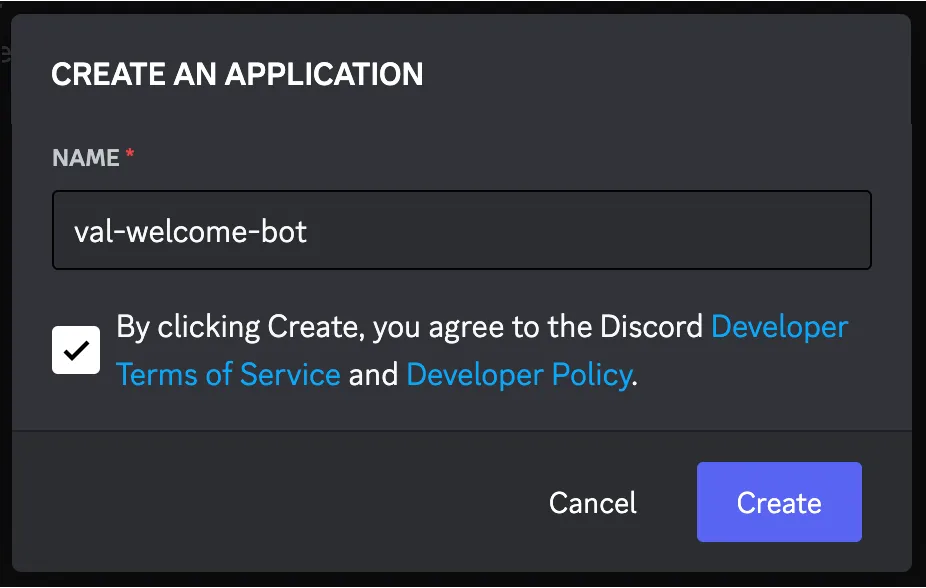
Create a new Discord application
Section titled “Create a new Discord application”Visit https://discord.com/developers/applications:
Enable the server members intent
Section titled “Enable the server members intent”Since the bot will be requesting a list of guild members, you need to enable the SERVER MEMBERS INTENT on the Bot tab.

Get your bot’s token
Section titled “Get your bot’s token”On the Bot tab, copy the TOKEN, and save it as a Val Town environment variable as
discordBot.

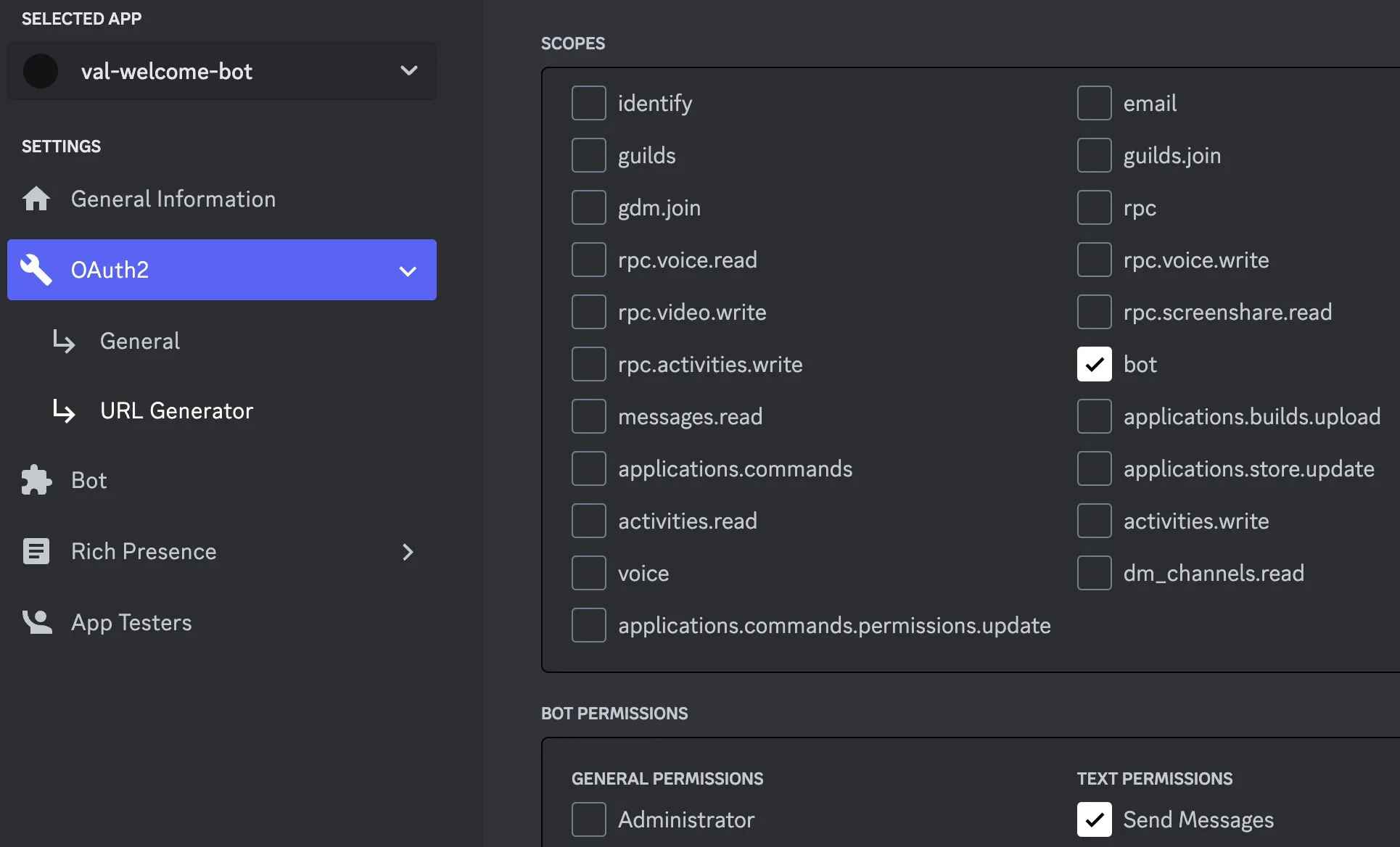
Create a link via the URL Generator
Section titled “Create a link via the URL Generator”On the OAuth2 tab, under URL Generator, select the bot scope, and give it permission to Send Messages, and then copy the GENERATED URL at the bottom of the page.
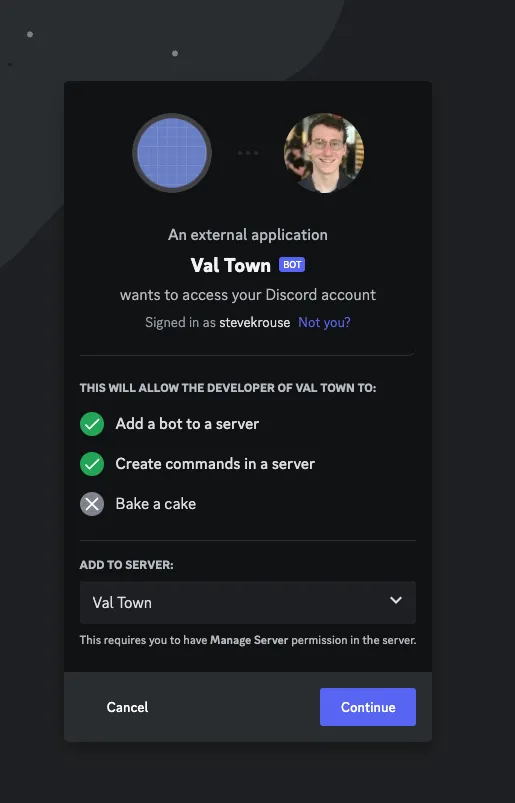
Click on the generated link
Section titled “Click on the generated link”Choose the server you want to invite the bot to and press Continue.
Get your Server ID
Section titled “Get your Server ID”Save your server id as a Val Town environment variable as discordServerId. (See:
Where can I find my User/Server/Message ID?)
Setup your welcome message scheduled val
Section titled “Setup your welcome message scheduled val”Remix this scheduled val that will send a welcome message to new users.
This val stores state in three other vals.
@me.discordWelcomeBotStartedAtstores the timestamp of the bot’s creation so that everyone who’s already on the server doesn’t get a welcome message when the bot is added.@me.discordWelcomedMembersstores the ids of everyone that has been messaged so that they don’t receive another message.@me.discordDMsstores the channel ids (each time the bot DMs a user it creates a channel) so that we can check for replies to the bot.
These vals will be automatically created if they don’t already exist.
Get your User ID
Section titled “Get your User ID”Save your user id as a Val Town environment variable as discordUserId. (See:
Where can I find my User/Server/Message ID?)
This is so the bot knows where to forward user replies.
Set up your message forwarder scheduled val
Section titled “Set up your message forwarder scheduled val”Remix this scheduled val that will forward user replies to your Discord user.
This val loops through all of the DMs between the bot and new users. It checks for any new replies and then forwards these messages as a new DM (from the bot, to your Discord user).