

Airtable is a spreadsheet-database hybrid. Note that because Val Town uses Deno, we use an unofficial library to access Airtable.
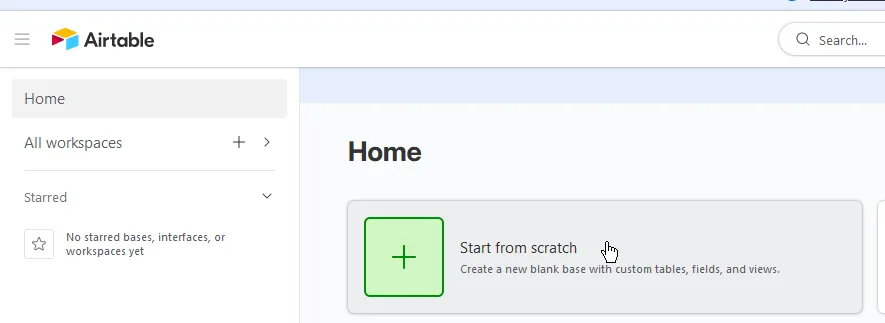
On the homepage, click Start from scratch to create a base:
If prompted with automatic setup, click Skip. You should get a new base with a blank table.
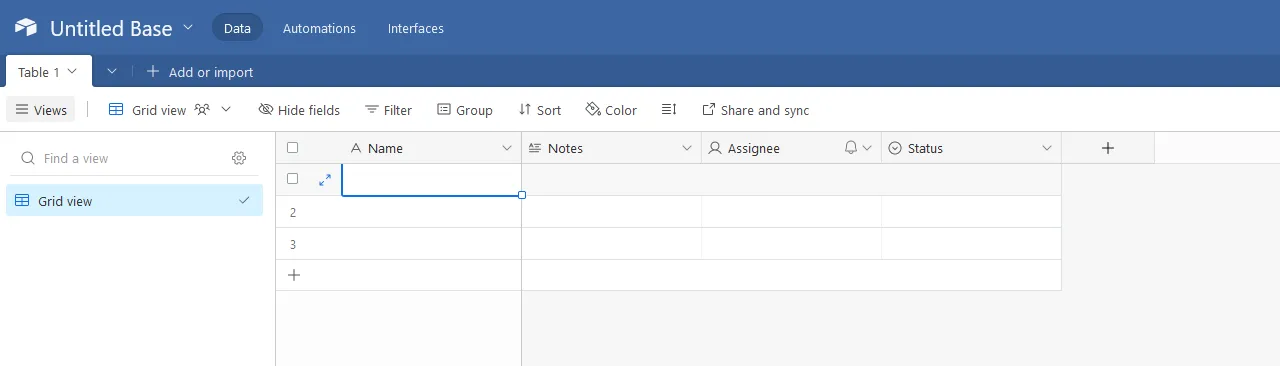
Adjust the table fields as you want (note that this isn’t covered by this guide).
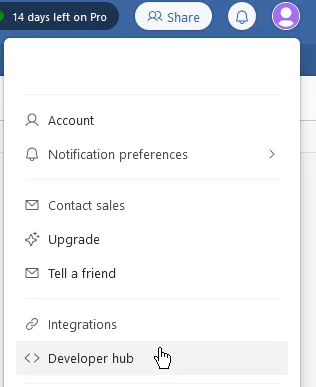
Click on your profile icon, then on Developer hub:
Click Create new token.

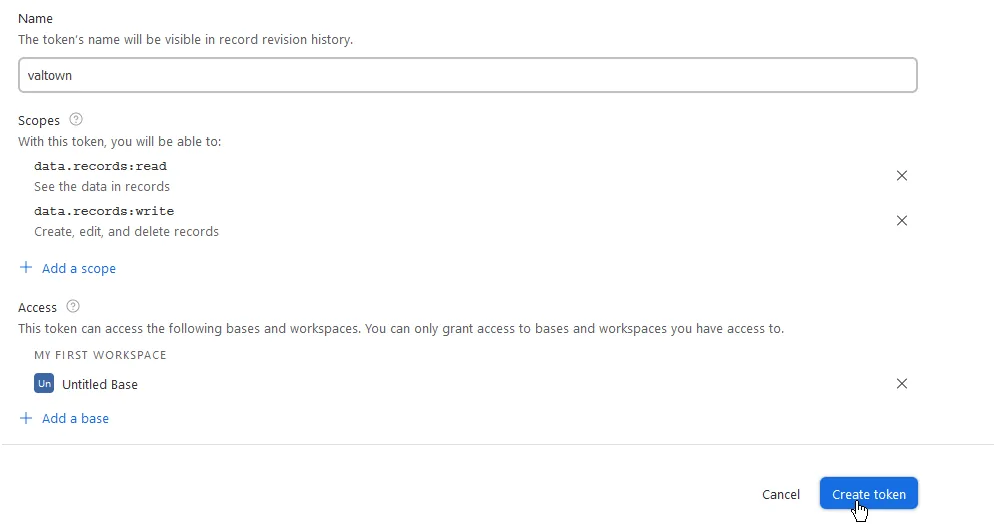
Fill out the fields:
- Name: Any. For example,
valtown. - Scopes: You’ll most likely want to add
data.records:readanddata.records:write. - Access: Add the base you created earlier.
Lastly, click Create token. Here’s an example of how your settings could probably look like:
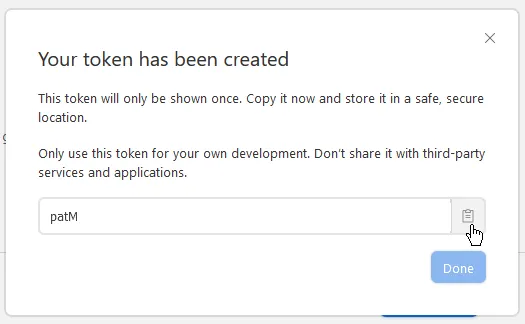
Copy your token and click Done.
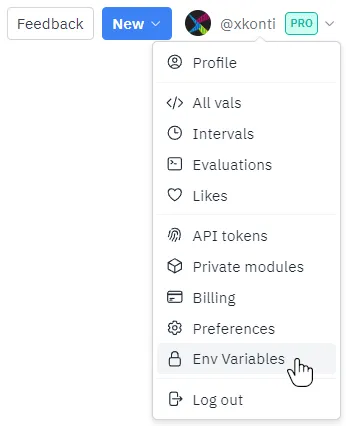
Go to val.town, click on your username and then on Env Variables:
Click New env variable. Set the key to a name you want to use to reference the token
(for example, airtable_pat) and paste the copied personal access token into
the value, then click Add.

You can then use Airtable from val.town like so:
import { Airtable } from "https://deno.land/x/airtable@v1.1.1/mod.ts";
const airtable = new Airtable({  apiKey: Deno.env.get("airtable_pat"),  baseId: "appXSrKDlwbAijRmD",  tableName: "All content",});// Sample data from: https://blog.airtable.com/database-vs-spreadsheet/const results = await airtable.select();console.log(results);
Make sure to change:
- apiKey if you have used a different name for your environment variable.
- baseId to the ID of your base. You can find it in the URL bar while a table is
open and it will likely start with
app:

- tableName to either the name of your table or the table ID which can also be found in the URL after the base ID (see above).