

When you set environment variables in a val, they are only available to that val. Within an organization, you can create environment variable groups to share environment variables between multiple vals.
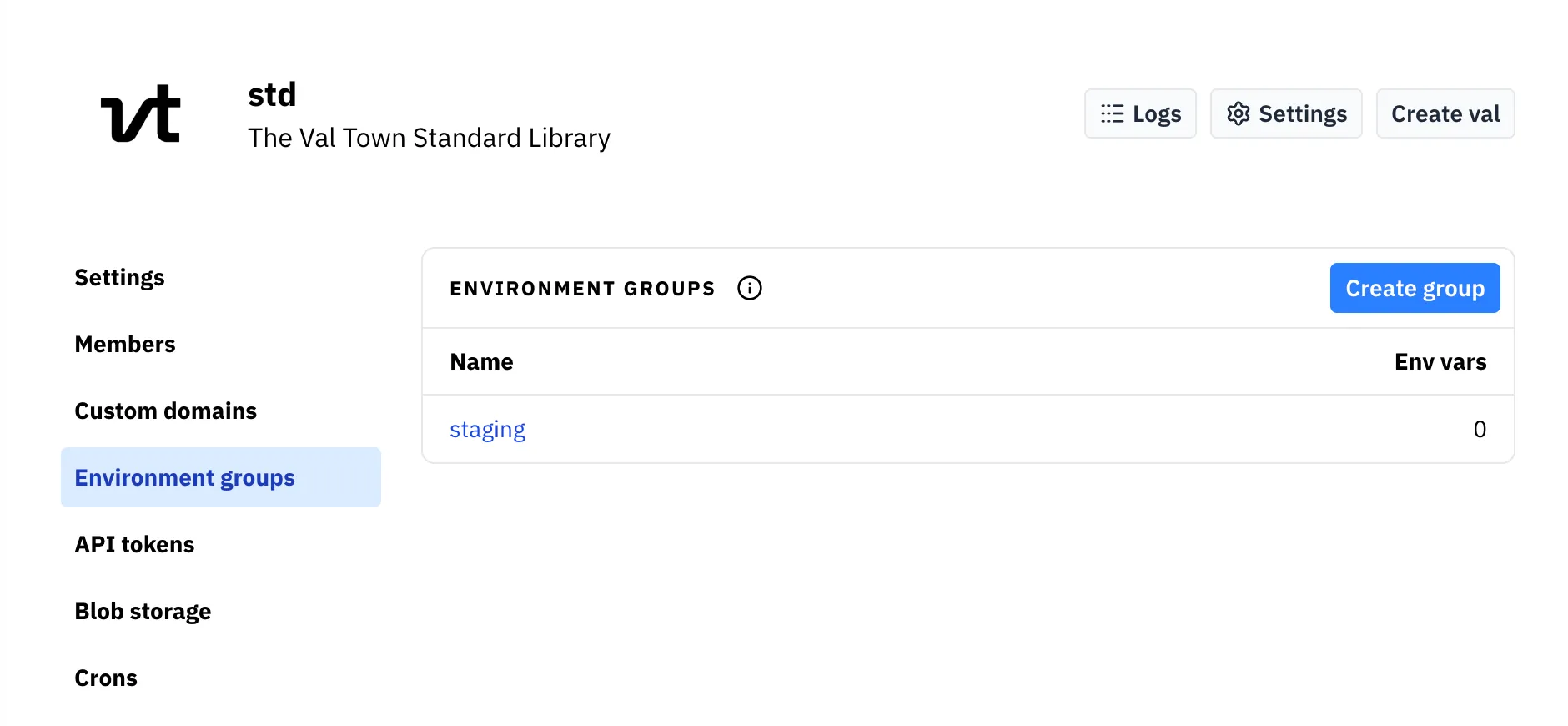
To use environment groups, go to your organization’s settings and to the Environment groups menu item. Name a group, and add some environment variables to it.
Then, for any val in your organization, you can go to that val’s Environment variables settings and at the bottom of the page, link the environment group to that val. This will include all of the variables from the environment variable group whenever the val runs.