HTTP
HTTP triggers give your files a live URL, like solitaire-game.val.run. So you can serve a website, an API, an MCP server, handle a webhook, and more.
Add an HTTP trigger
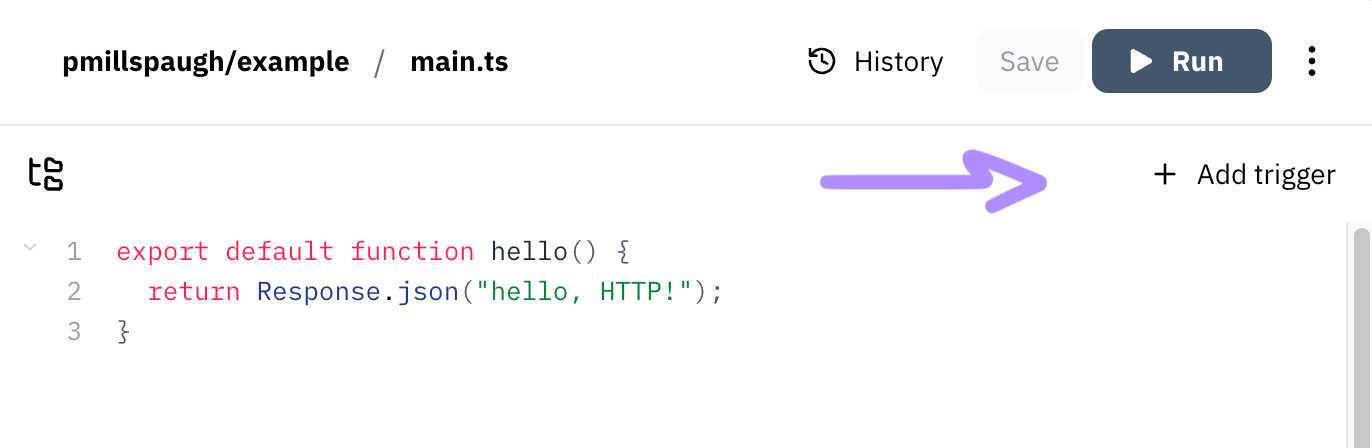
To add an HTTP trigger, click the + Add trigger button atop your editor and
select HTTP. You can also add/remove triggers from the triple dots menu in the
top right corner, or via our MCP server.
Add a custom (sub)domain
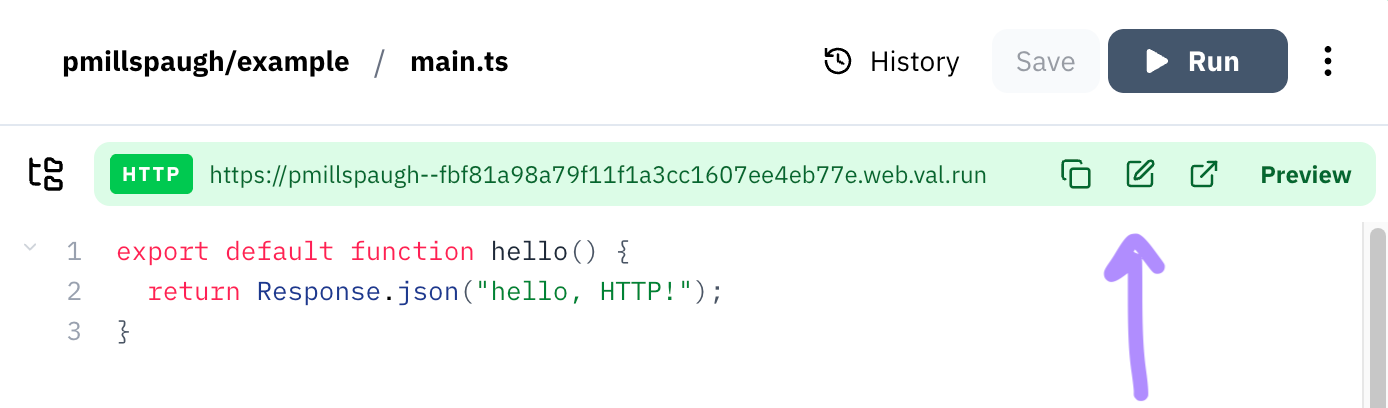
Once you've added an HTTP trigger, you can copy its URL and open a preview. You
can also use a custom domain like acme.app or
custom subdomain, like jitterbug.val.run.
Respond to HTTP requests
We use web standard
Request and
Response objects,
so you can use compatible web frameworks like Hono. The
triggered file's default export takes a Request object and returns a
Response:
export default async function (req: Request): Promise<Response> {
  return Response.json("hello, http!");
}
Learn more
To learn more about what you can do with HTTP triggers, read:
Last updated